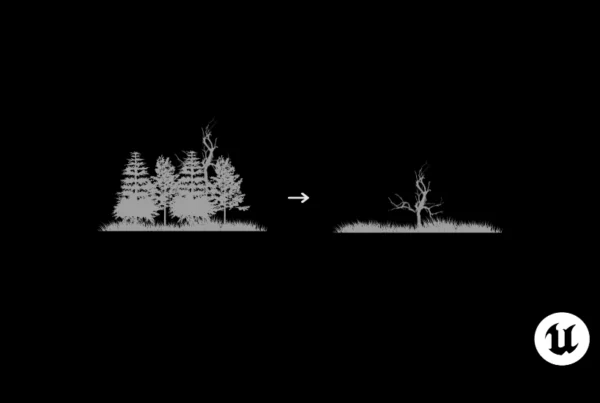
In this post, we’re going to talk about how to use the Lasso tool within Unreal Engine’s Foliage Mode. While it may seem intuitive at first and familiar if you’ve worked with design programs, it’s important to note some differences in its use within Unreal Engine. Here’s how it works.
What is the Lasso tool in Unreal Engine Foliage Mode?
The Lasso tool is a selection option used to mark specific areas within the level where you have distributed Foliage instances. It is ideal when you need to quickly select elements within large areas, but requires certain conditions to be present.

Considerations for Using the Lasso tool within Unreal Engine’s Foliage Mode
Before you start using the Lasso, please note the following:
- Distributed instances: The tool will only work if you have Foliage instances already placed in your layer.
- Activated element in the Foliage palette: Make sure that a Foliage element type is active in the palette before using Lasso. Otherwise, you will not be able to make effective selections.

Once you activate the tool, you will notice that the cursor in the Viewport changes to show a brush characteristic of the Foliage tool. This brush is fully customisable from the brush options, allowing you to adjust its size to suit your needs.

How to Use the Lasso Tool
Using the Lasso is very simple:
- Activate the Tool: With the Foliage brush active and the Lasso selected, just click and drag the cursor over the areas you want to select. The tool will mark the instances that match the Foliage type selected in the palette.

- Make modifications: Once you have selected the desired instances, you can delete them, move them or even modify them according to what you need to do.
It’s a quick and effective way to work with large numbers of elements in your scene.
And that’s it! Using the Lasso tool in the Foliage section is a fairly straightforward process, but as with any tool, there is a bit of a learning curve. We hope you found this guide useful, especially if this is your first time working with this tool.
Thanks for reading, see you next time!